Top 5 Claude Code plugins
Save tokens on every subscription, improve your web design, make your text sound human and have a whole marketing team.
Claude Code is very good out of the box, but with a few well-chosen plugins it moves to another level. These are the five I have installed in every project and the ones I use the most. I explain what each one does and the command to install it in under a minute.
1. claude-mem: every chat starts knowing where you were
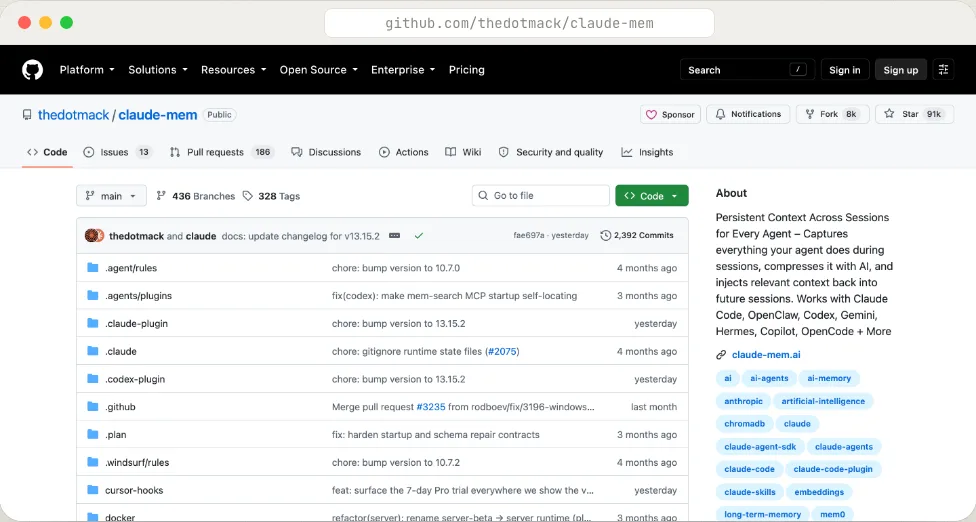
Claude Code forgets everything when you close the session. claude-mem captures what your agent does while it works, compresses it with AI and stores it in a local database. When you open the next session, it injects the right context: what you were touching, what you decided and why.
Why it matters: you stop re-explaining your project in every new conversation. It also works with Codex, Gemini, Cursor and friends. It remembers where you left off so you don't have to.
/plugin marketplace add thedotmack/claude-mem
/plugin install claude-mem
2. caveman: talks to Claude in short and spends half the tokens
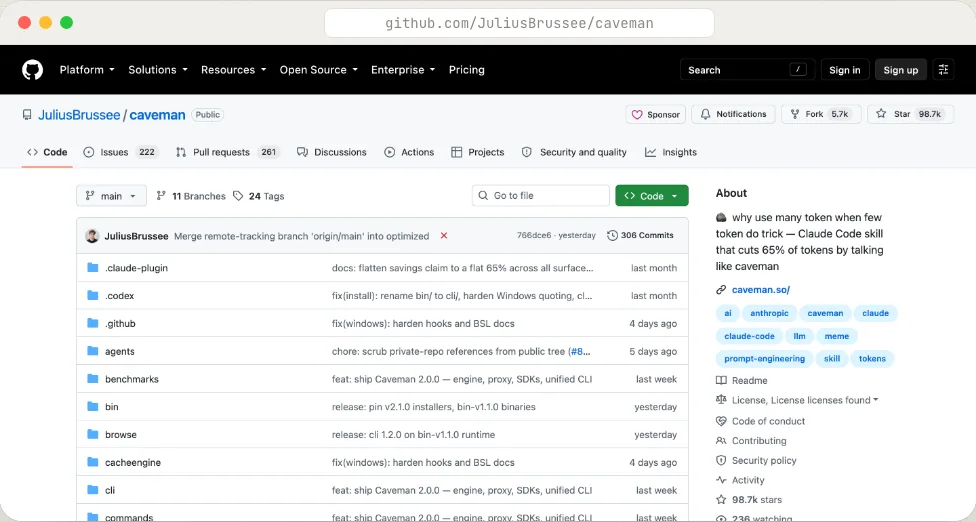
"Why use many token when few token do trick." Caveman is a skill that makes Claude answer like a caveman: no filler, no repeating your question, no pleasantries. Same work, 65% fewer output tokens in its benchmark. It has several intensity levels and an optional proxy that also trims what Claude reads.
Why it matters: you get a lot more done before hitting the usage limit. If you read my article on the 10 tricks to get infinite tokens, this is trick 11.
npx skills add JuliusBrussee/caveman
3. taste-skill: gives the AI design taste
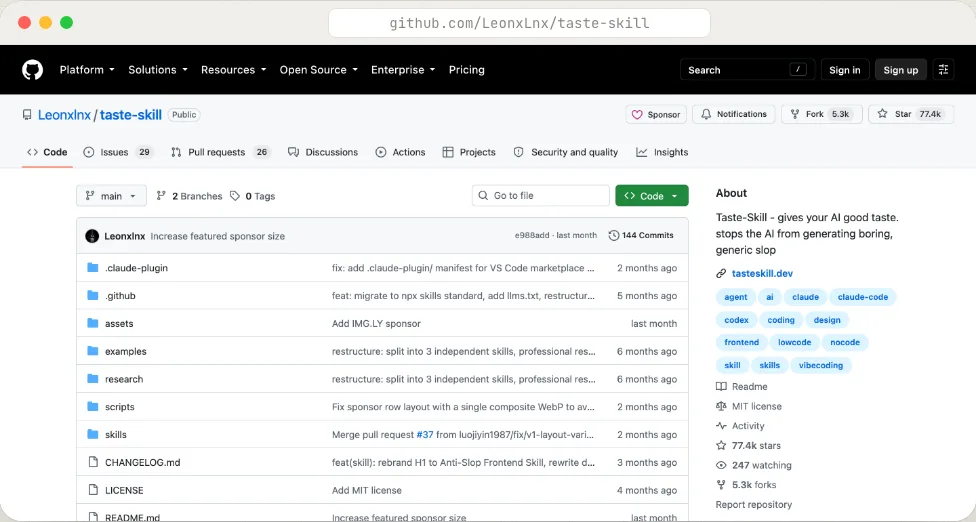
You know what AI-made interfaces look like by default: the same card, the same gradient, the same template look. taste-skill is a set of skills that teach Claude to decide layout, typography, spacing and motion with judgement, and to audit what already exists before redesigning it.
Why it matters: your interfaces stop having that same generic look. Works with React, Vue, Svelte or whatever you use. Less template, more something that looks thought through.
npx skills add https://github.com/Leonxlnx/taste-skill
4. humanizer: makes your text sound human
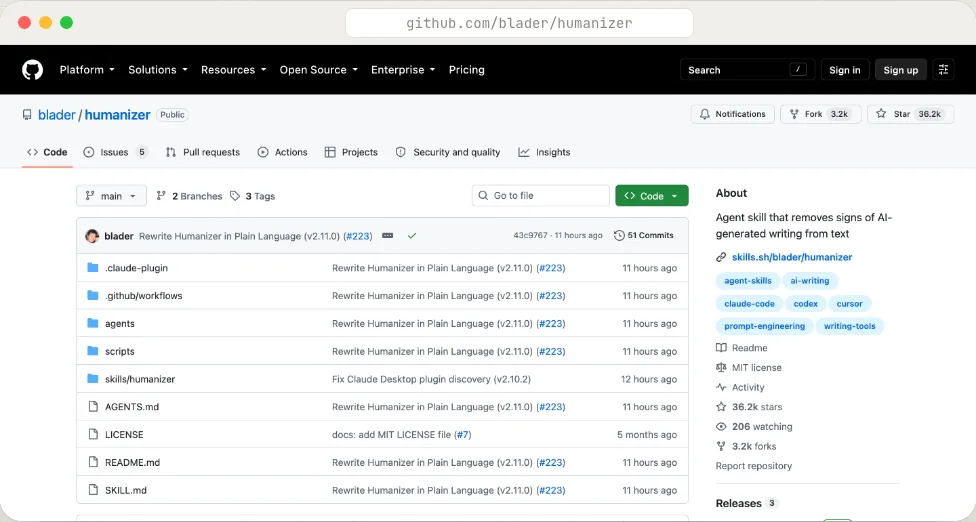
Humanizer uses the 35 patterns Wikipedia documents as "signs of AI writing" (the em dashes, the "it's not X, it's Y", the lists of three, the motivational closer) and strips them from your text without changing what it says. You can give it samples of how you write so it matches your voice.
Why it matters: posts and emails that read like you wrote them, not a model. So nobody tells you "an AI wrote this".
npx skills add blader/humanizer --global
5. marketingskills: a whole marketing team inside Claude
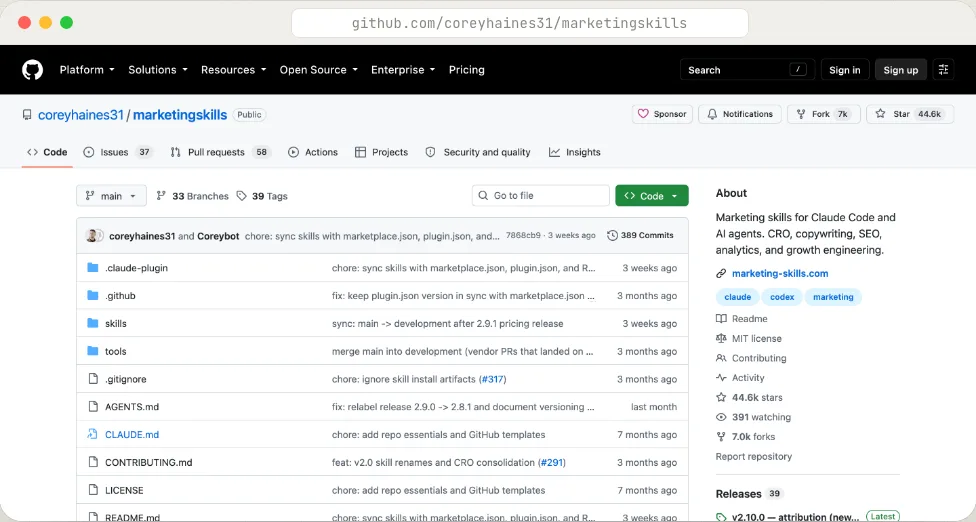
Over 70 marketing skills that reference each other: copywriting, CRO, SEO audits, programmatic SEO, ads, cold email, pricing, onboarding, A/B tests, launch strategy. All of them start from the same product context you fill in once.
Why it matters: copy, SEO, CRO and ads with judgement, without hiring anyone. It is adding a growth team without paying salaries.
npx skills add coreyhaines31/marketingskills
Summary
- claude-mem: memory across sessions.
- caveman: half the tokens.
- taste-skill: interfaces that don't look templated.
- humanizer: text that sounds like you.
- marketingskills: a growth team in one command.
All five are free, open source and install in under a minute. If you use vanilla Claude Code, try them today: you notice the difference on day one.