How to study for exams without overstudying
Obsidian remembers what you already know and where you fail, Claude or ChatGPT decide what to focus on and NotebookLM makes you practise. The whole system, with the five prompts.
The five prompts of the method, ready to paste.
From topic 15 on you repeat things you already know and have no way of knowing it. You read the whole topic, summarise the whole topic and test the whole topic.
This system stores what you have studied and where you fail, and uses that memory to decide what is due each day. It does not feed the syllabus to an AI so it studies for you.
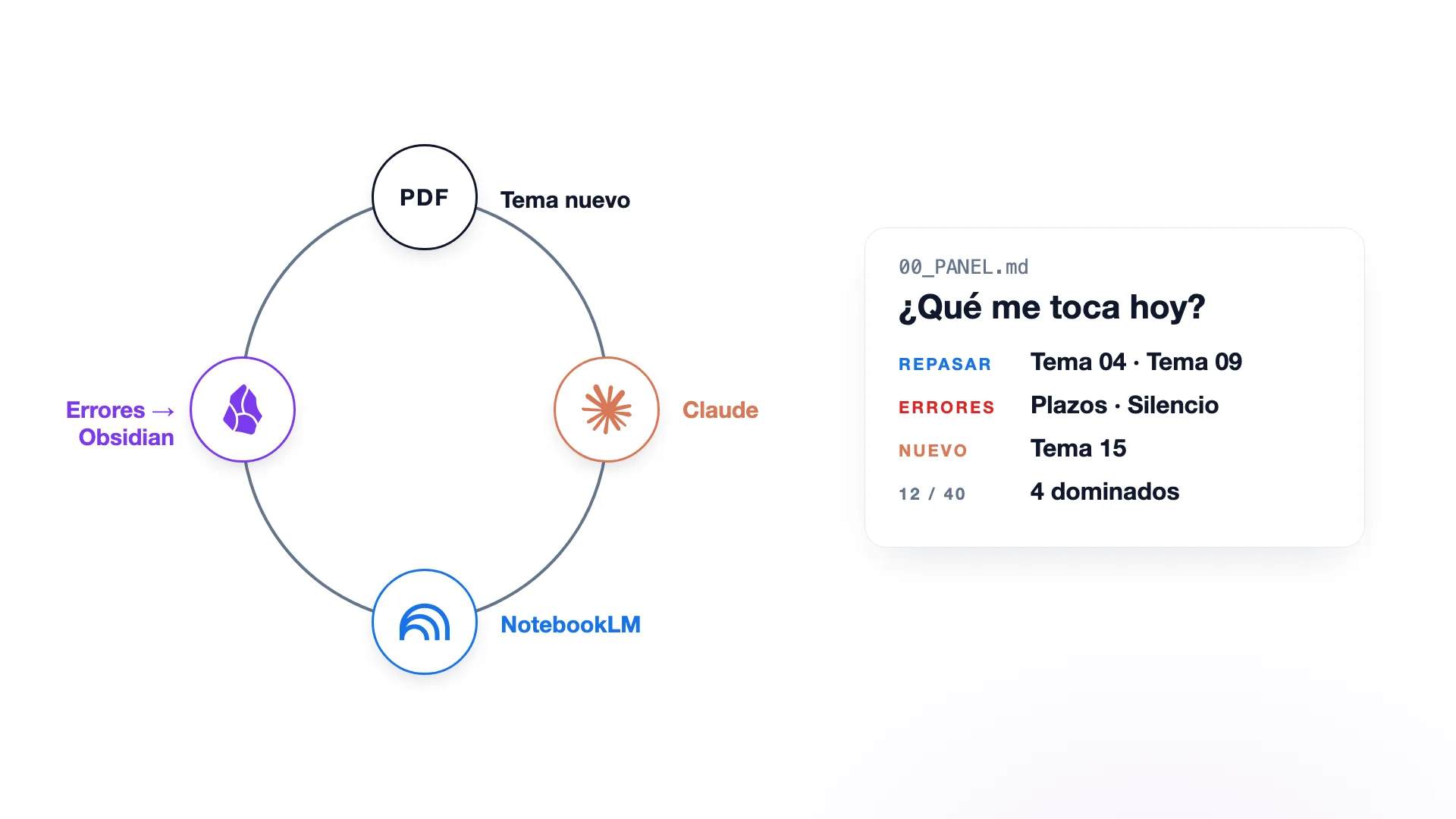
Obsidian remembers what you already know and where you fail. Claude reads that memory and decides what to focus on. NotebookLM makes you recall and practise. Your errors go back into Obsidian. That loop is the whole method.
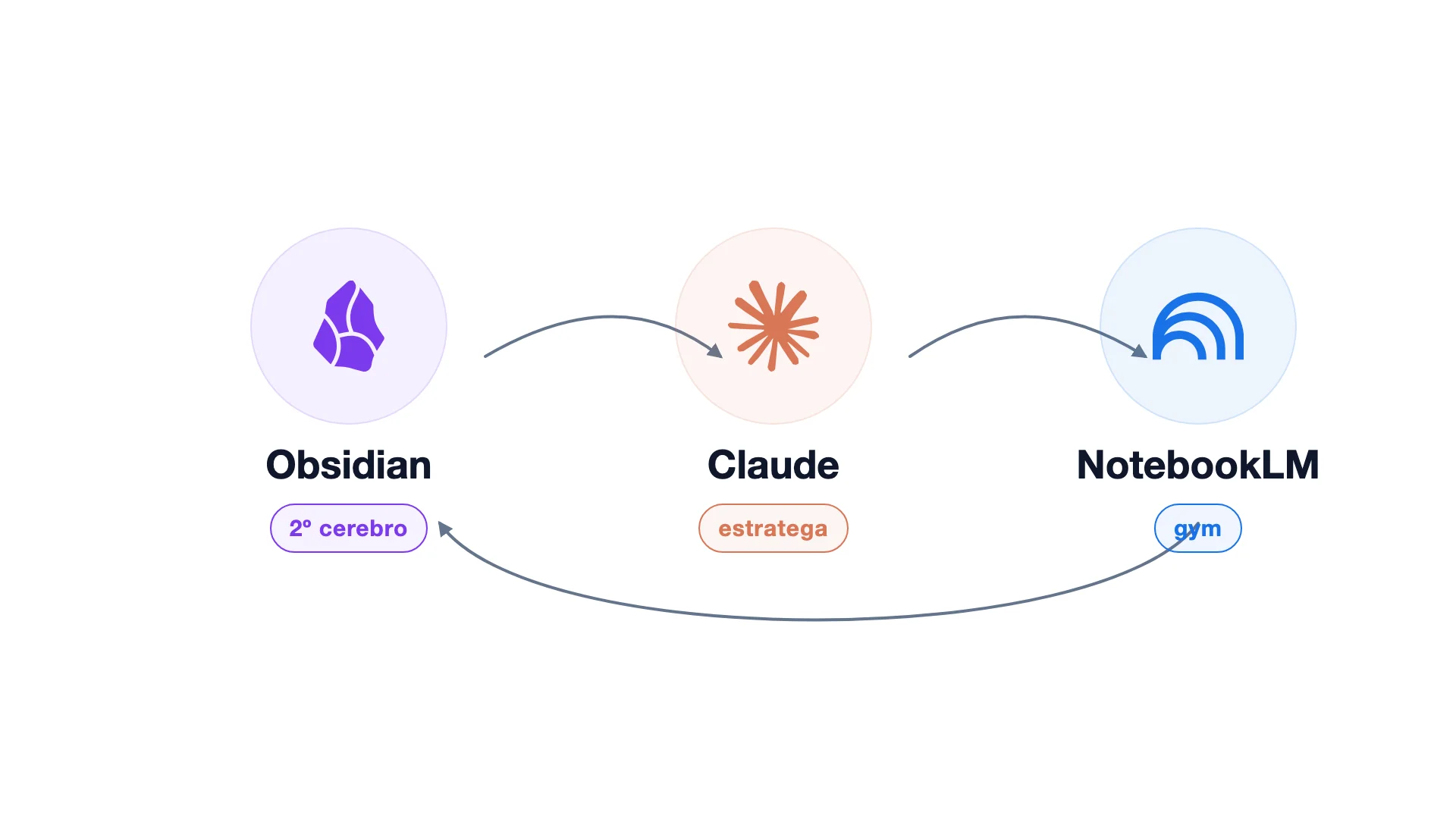
1. The three tools
- Obsidian stores which topics you have studied, their state, your active errors and when a review is due. It does not store the PDFs: it stores what you learned from them.
- Claude reads the vault, compares the new topic with what you already have and decides what to focus on. It is the one writing into Obsidian. You never touch the properties by hand.
- NotebookLM is where you train. It asks you questions, you rebuild the topic without looking and you take tests. You organise nothing there.
2. The Obsidian vault
Create a new vault only for the exam, so Claude does not see your personal notes. This goes inside and nothing else:
OPOSICIONES
├── 00_PANEL.md
├── 01_Temas
├── 02_Errores
└── 03_Simulacros
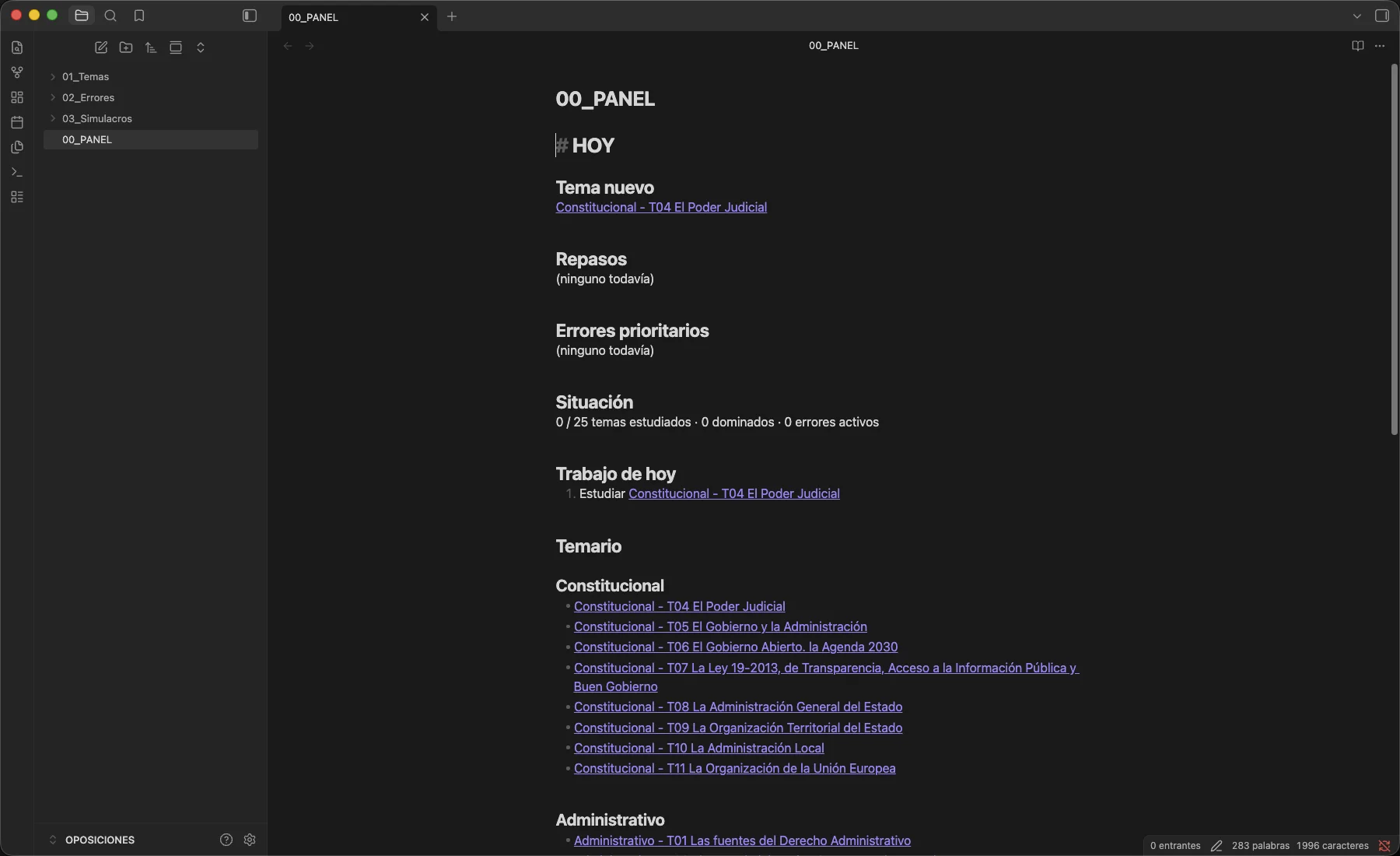
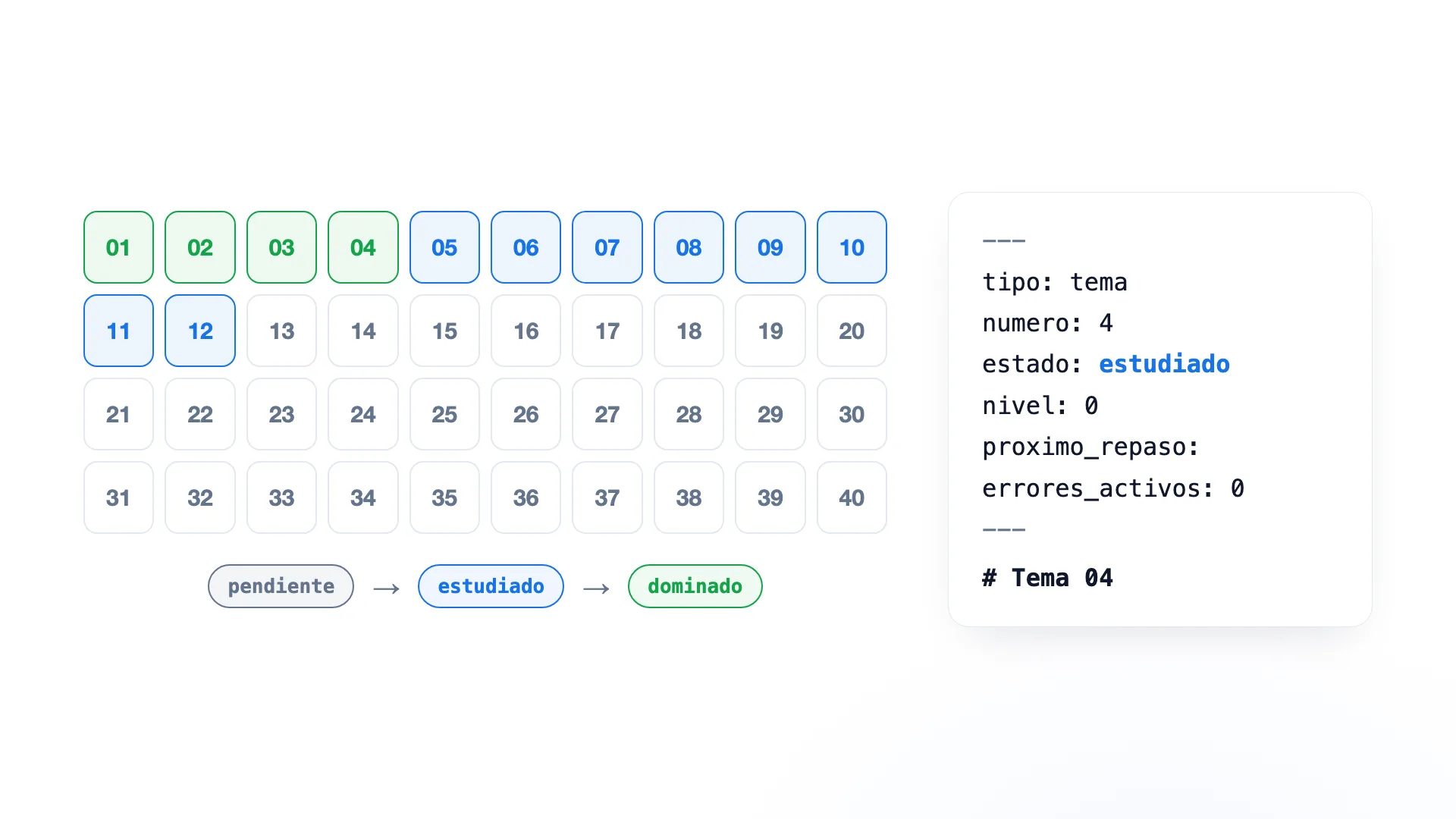
There is no «What I know» folder, no «Reviews», no «Concepts». That is handled with properties inside each note, and Claude changes them. A topic does not move between folders when you study it: it goes from estado: pendiente to estado: estudiado.
3. The 40 empty topics
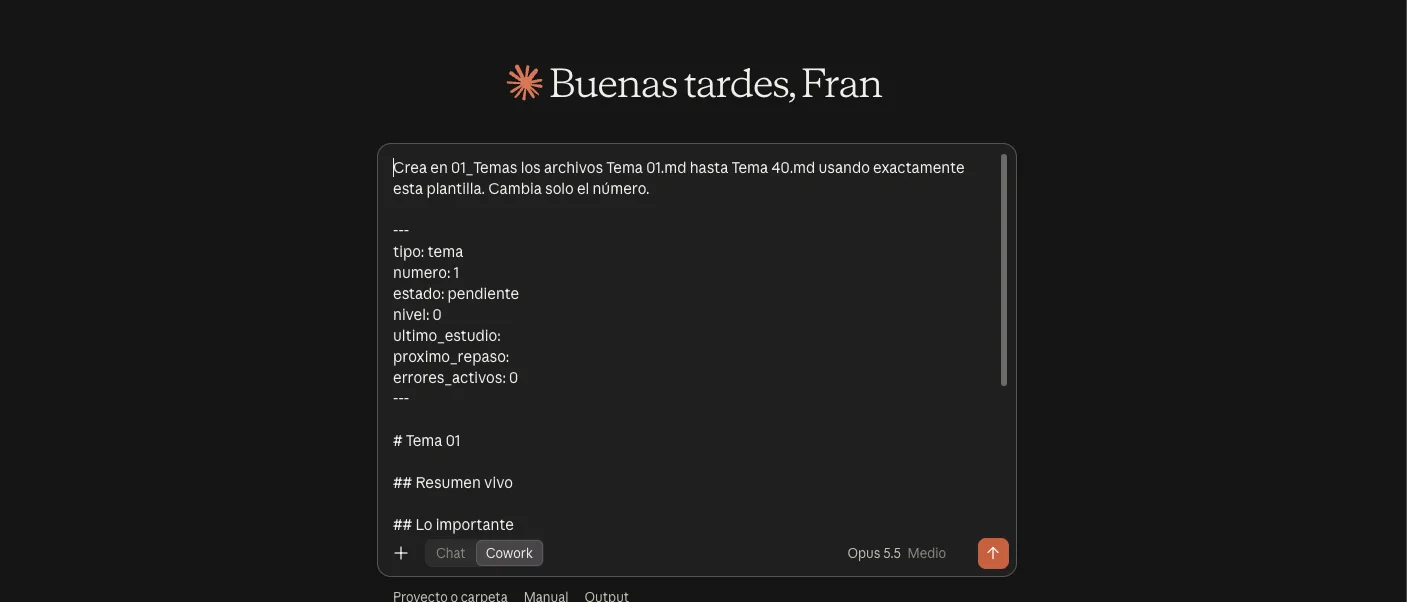
Create all 40 on day one, empty. Do not hand Claude the whole syllabus to summarise and link 700 notes. Each topic starts like this:
---
tipo: tema
numero: 1
estado: pendiente
nivel: 0
ultimo_estudio:
proximo_repaso:
errores_activos: 0
---

# Tema 01

## Resumen vivo
## Lo importante
## Puntos débiles
## Conexiones con otros temas
## Preguntas que debo saber responder
## Guion para NotebookLM
Do not create a note per concept either. If «administrative silence» shows up in topic 2 and again in 8, 13 and 21, Claude searches the earlier topics and tells you that you already studied it and which exception is new. If in six months a concept deserves its own note, create it then.
With Claude connected to the vault, this is the prompt that creates the 40 notes:
4. Connect Claude to Obsidian
It is done with MCP. The Filesystem server lets Claude Desktop read, write and search files in the folders you allow. An Obsidian vault is a folder of Markdown files, so that is enough.
- Install Node.js if you do not have it.
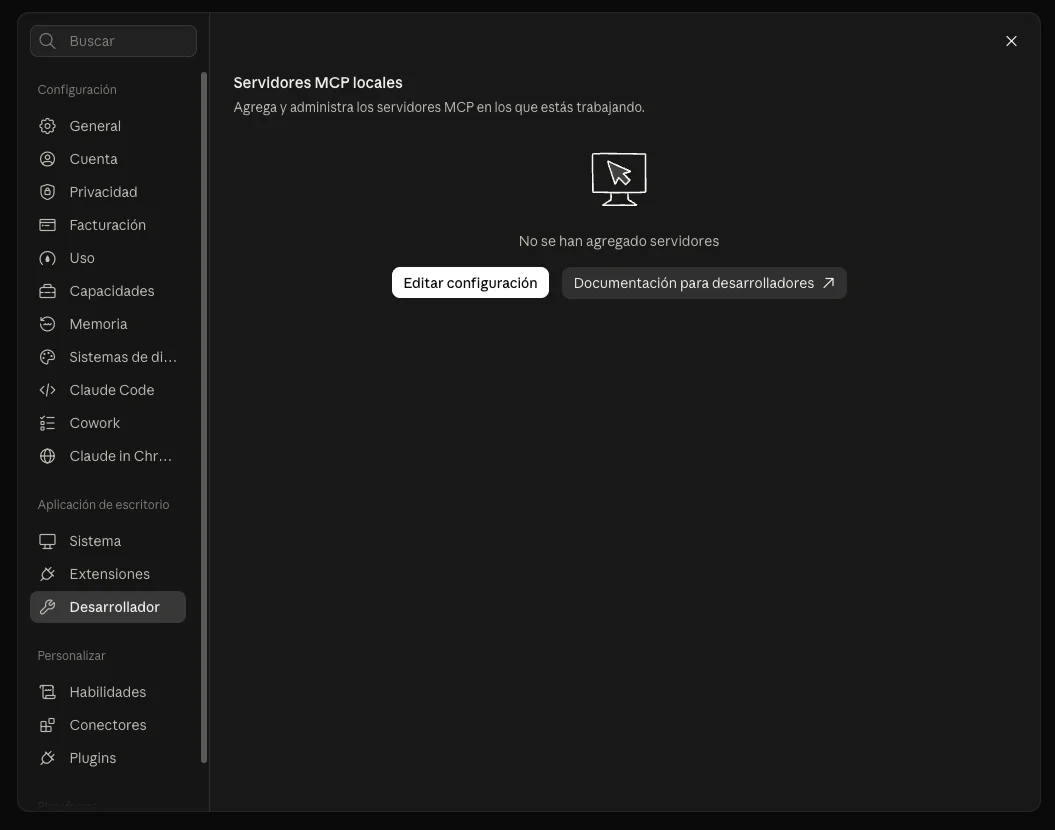
- In Claude Desktop: Settings, Developer, Edit config.
- Paste this with your vault path and restart Claude.
{
  "mcpServers": {
    "filesystem": {
      "command": "npx",
      "args": [
        "-y",
        "@modelcontextprotocol/server-filesystem",
        "/PATH/TO/YOUR/VAULT/OPOSICIONES"
      ]
    }
  }
}
5. The daily prompt
You have the topic PDF. Give it to Claude and to NotebookLM. Do not put it into Obsidian: Obsidian stores what you learned, not the PDFs.
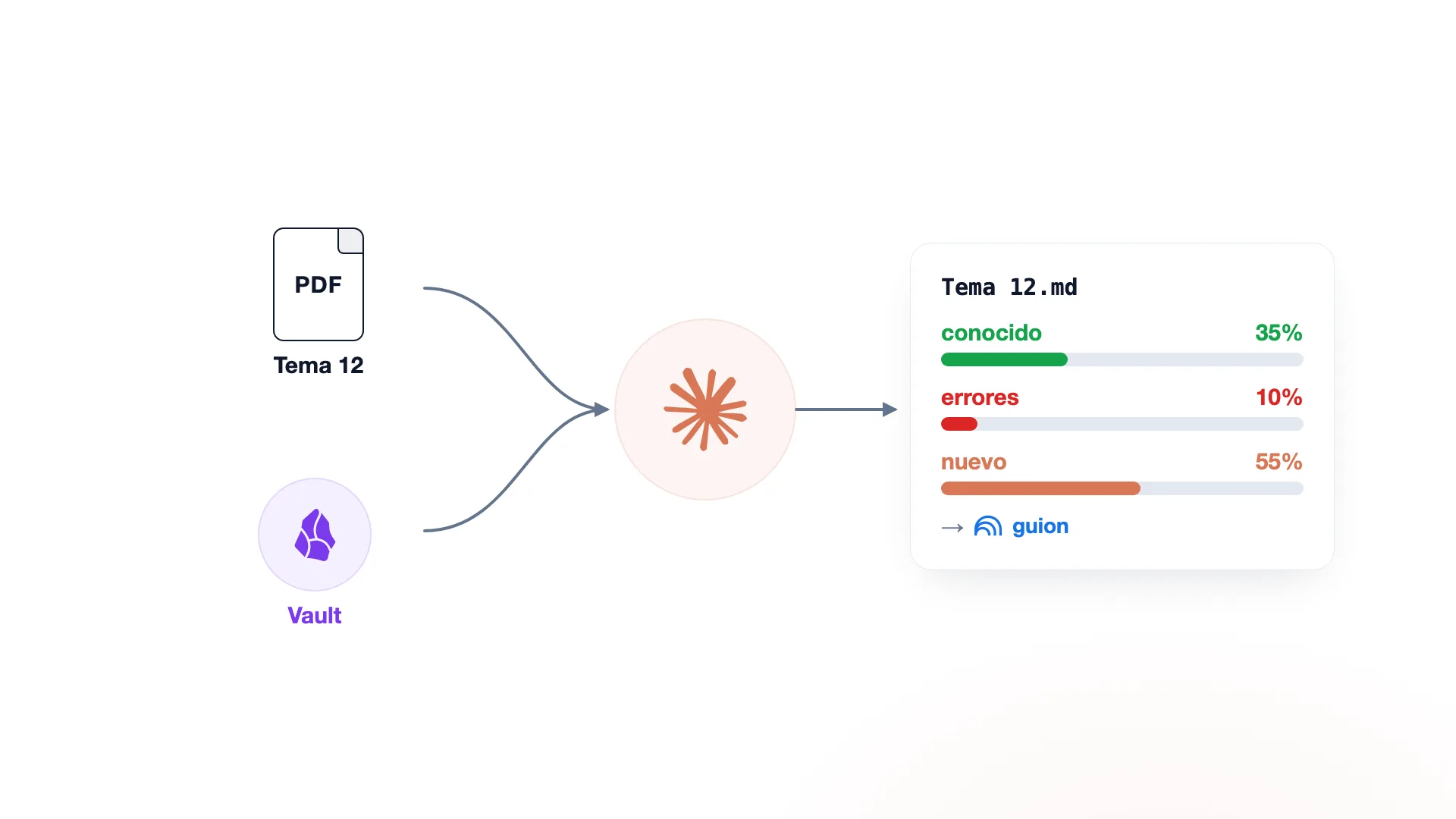
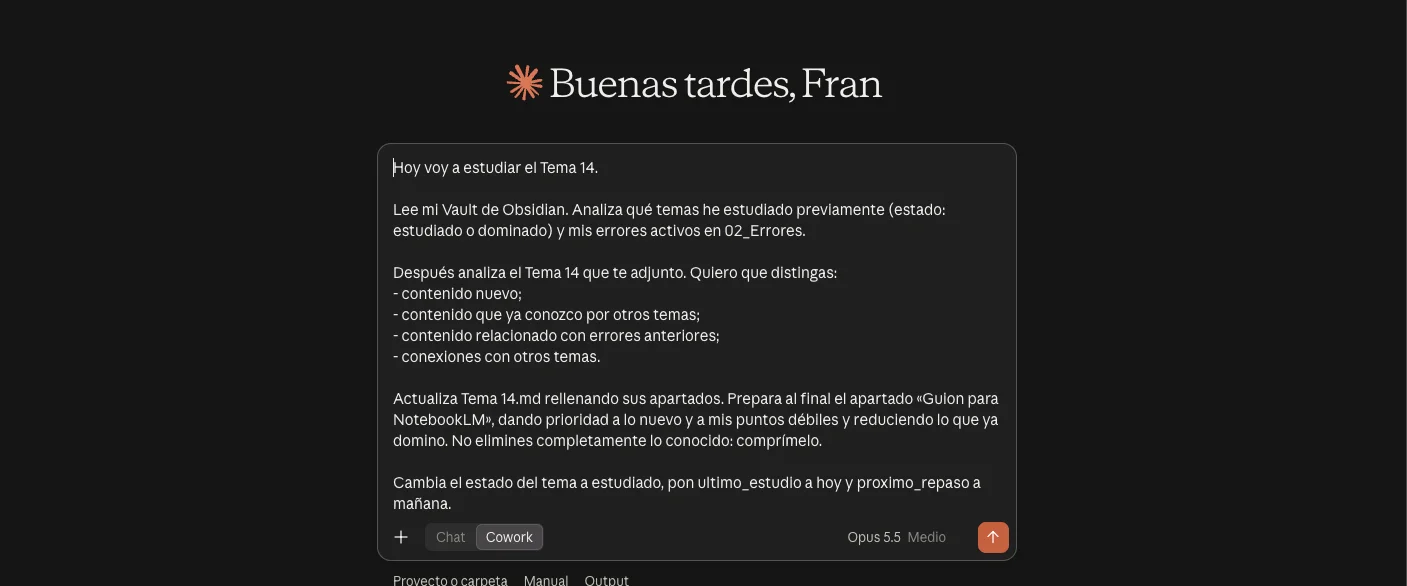
Every day the same prompt. Change the topic number and attach the PDF. Claude returns the plan for the day: your misses, what is new in the topic and the older concepts due for review:
On topic 1 Claude will find little. On topic 17, 35% may be already studied, 10% may touch your errors and only 55% may be new. Claude searches the topics marked estudiado or dominado and fills in the note:
# Tema 12

## Puntos débiles
- Tell X and Y apart.

## Conexiones con otros temas
- Related to [[Tema 03]]
- Extends what [[Tema 07]] explained
- Exception to what I studied in [[Tema 09]]

## Guion para NotebookLM
### High priority
### Medium priority
### Already mastered: just recall
6. NotebookLM
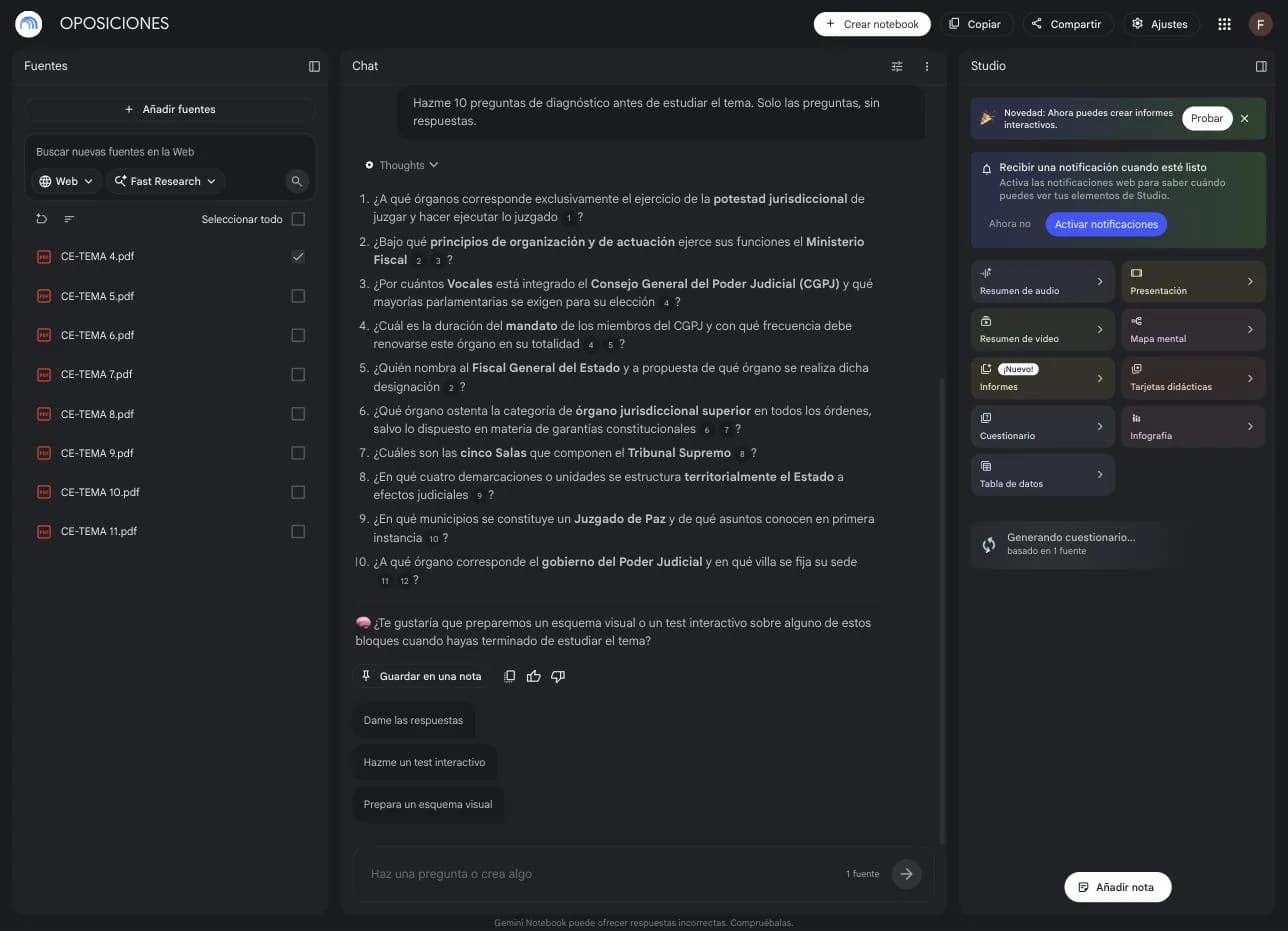
One notebook, OPOSICIONES, with each topic as a source. Enable only the topic you are studying. The free tier allows 50 sources per notebook: if you add laws and past exams, split into notebooks of 10 topics. Google now calls it Gemini Notebook.
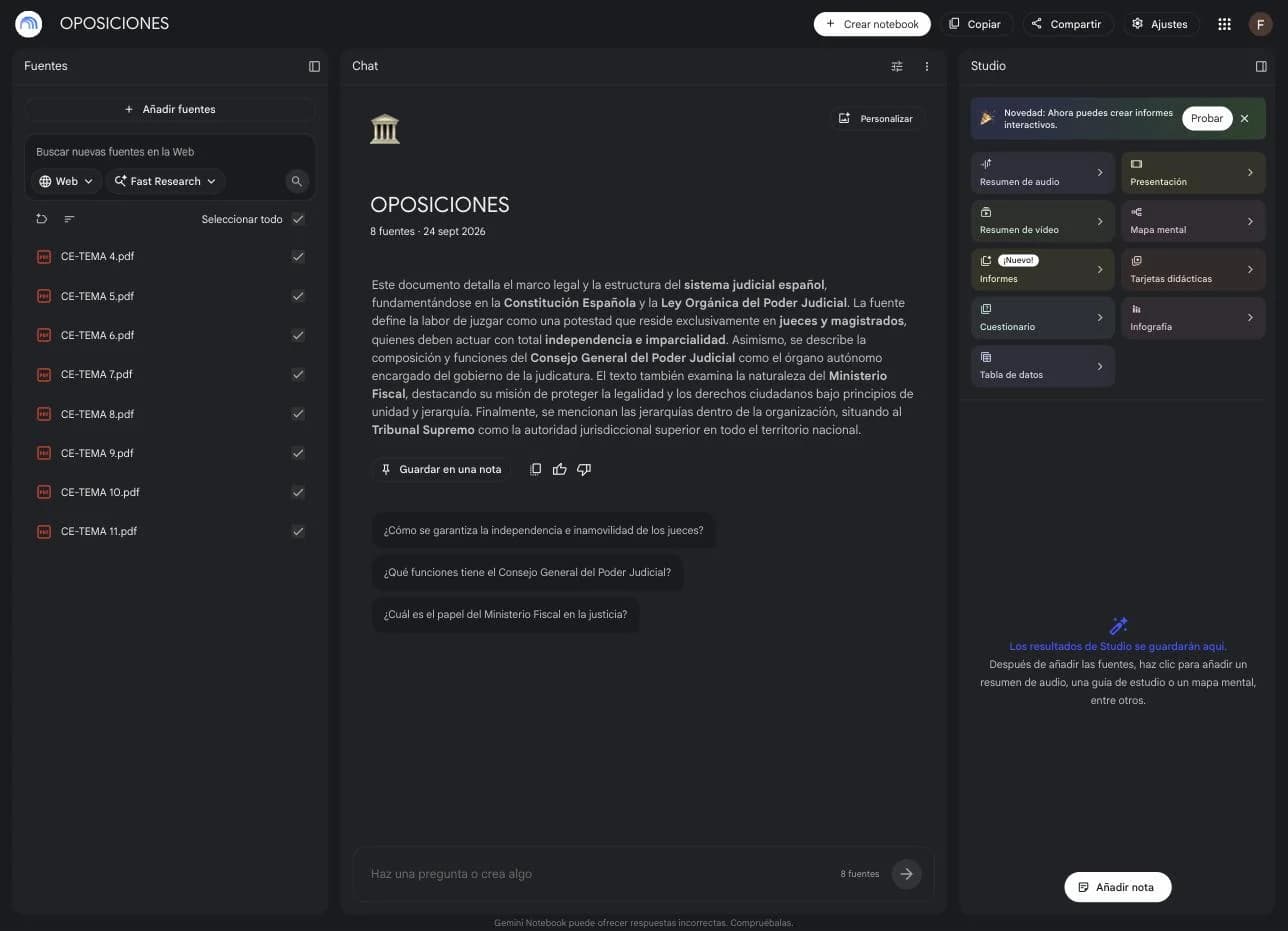
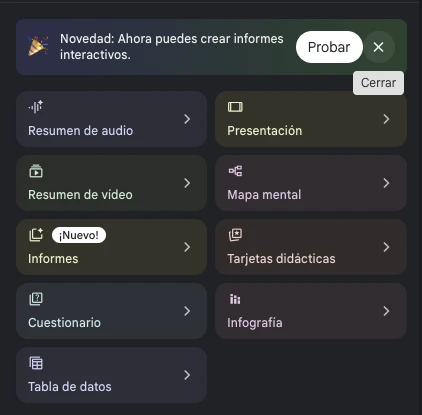
The Studio panel generates material from the sources you have enabled:
- Audio overview. A two-voice podcast about the topic. For the car or the gym.
- Video overview. The same as a video, with slides.
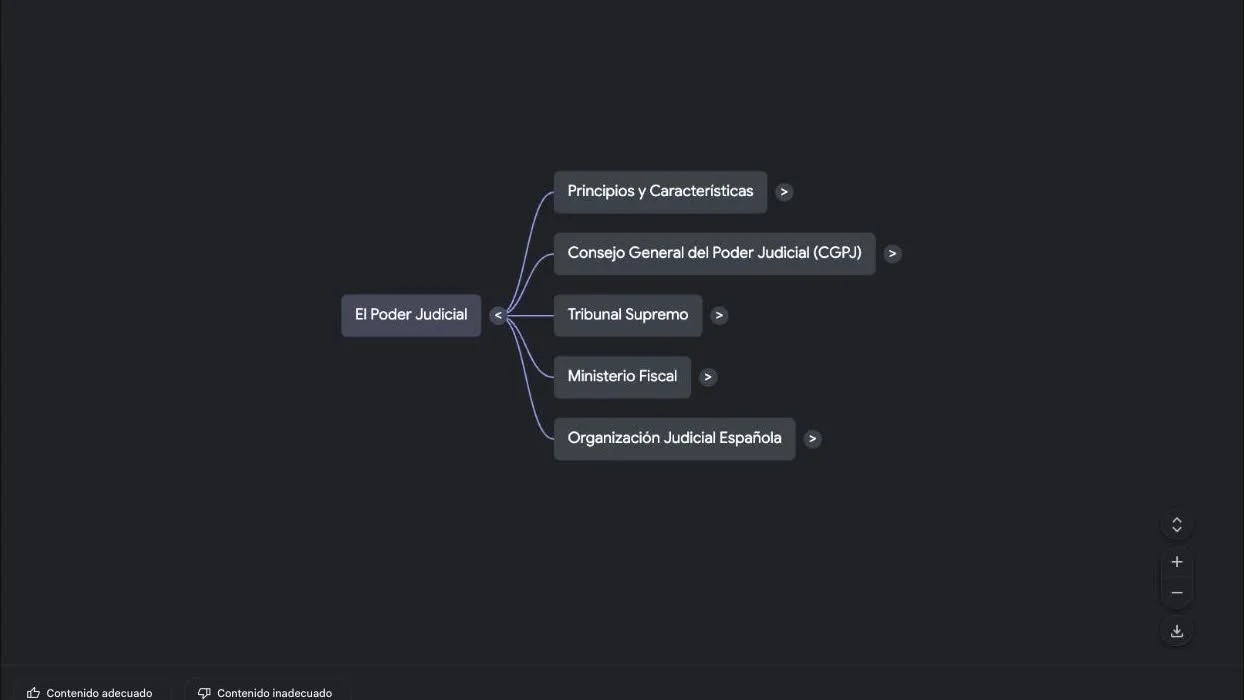
- Mind map and infographic. The topic as a diagram.
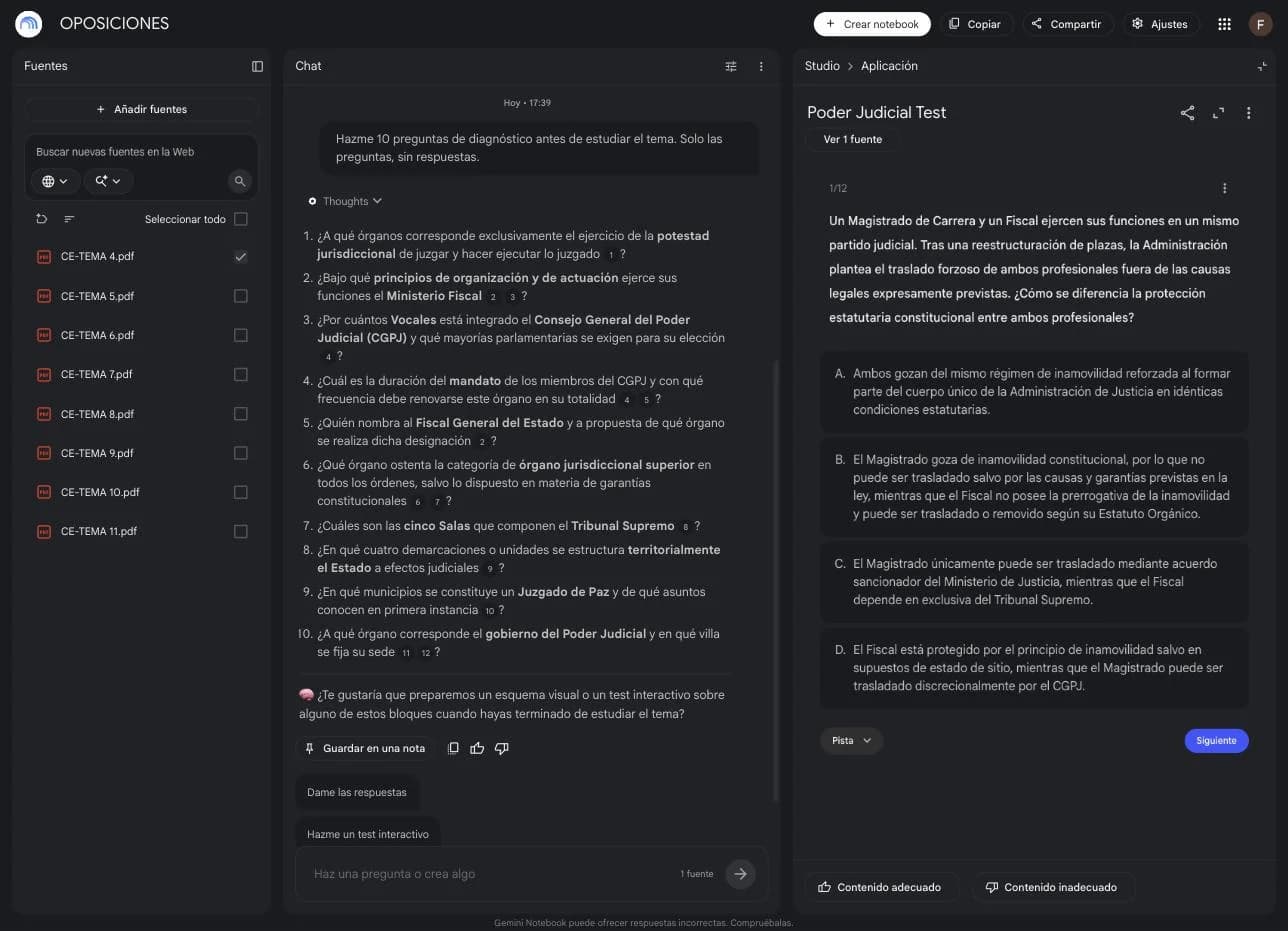
- Flashcards and quiz. The test. You pick the difficulty and it keeps your progress.
- Reports, slides and data table. Study guide, summary, a deck or a table with the topic's data.
The order is not read, summarise, test. It is this:
- Ask. Enable the topic and say: «Give me 10 diagnostic questions before I study this topic». Answer even if you fail.
- Study. Read the topic with the script Claude gave you. You already know where your gaps are.
- Recall. Close the document and ask for questions to rebuild the key points without looking.
- Check. Summary, mind map, tables, flashcards.
- Test. On hard as soon as you have some level. NotebookLM keeps the flashcard progress.
7. Errors
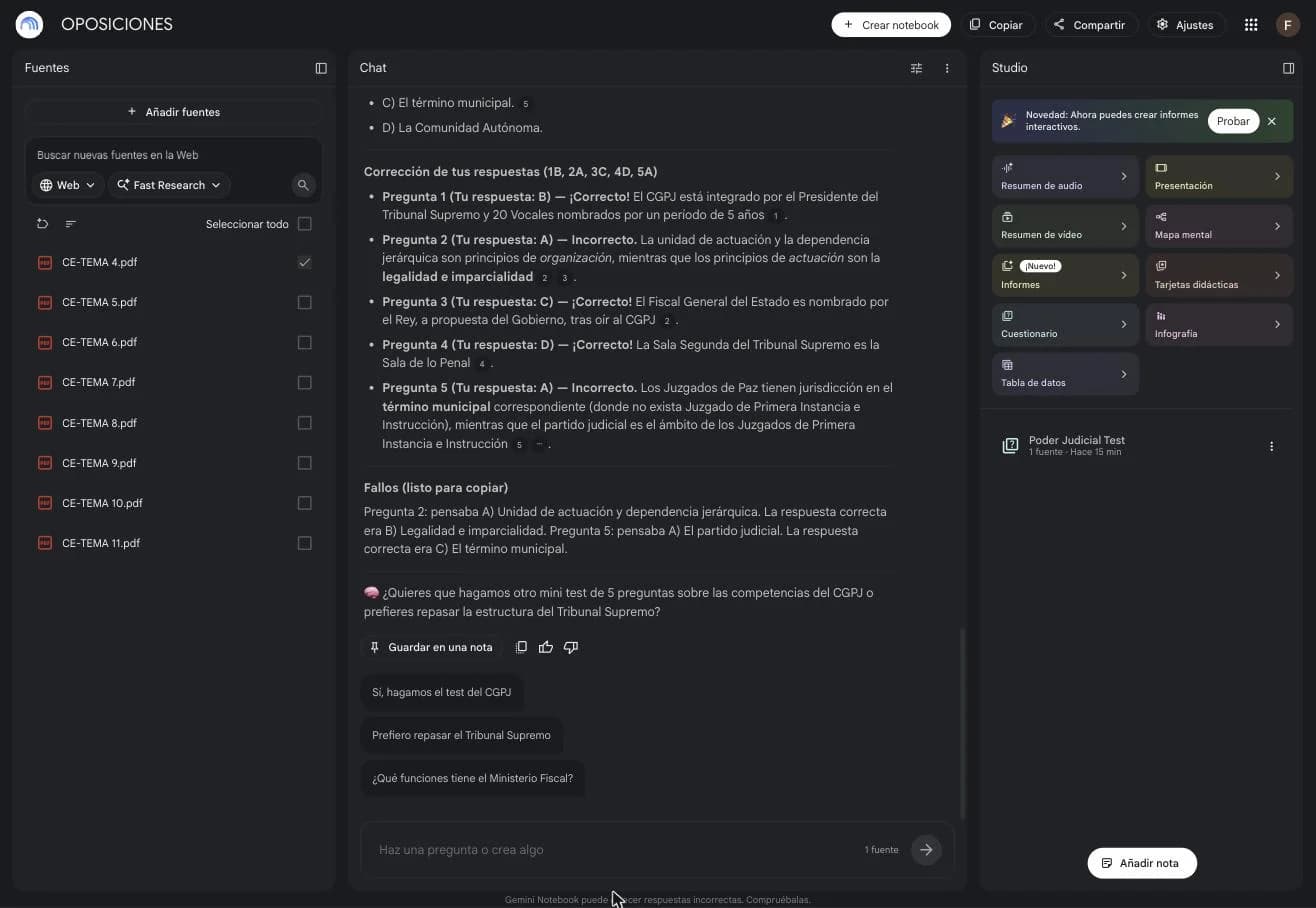
NotebookLM does not update Obsidian. You are the bridge. Finish the session and ask NotebookLM for a recap of what you learned and what you missed, already in the format Claude will read. Copy, paste, and Claude updates Obsidian.
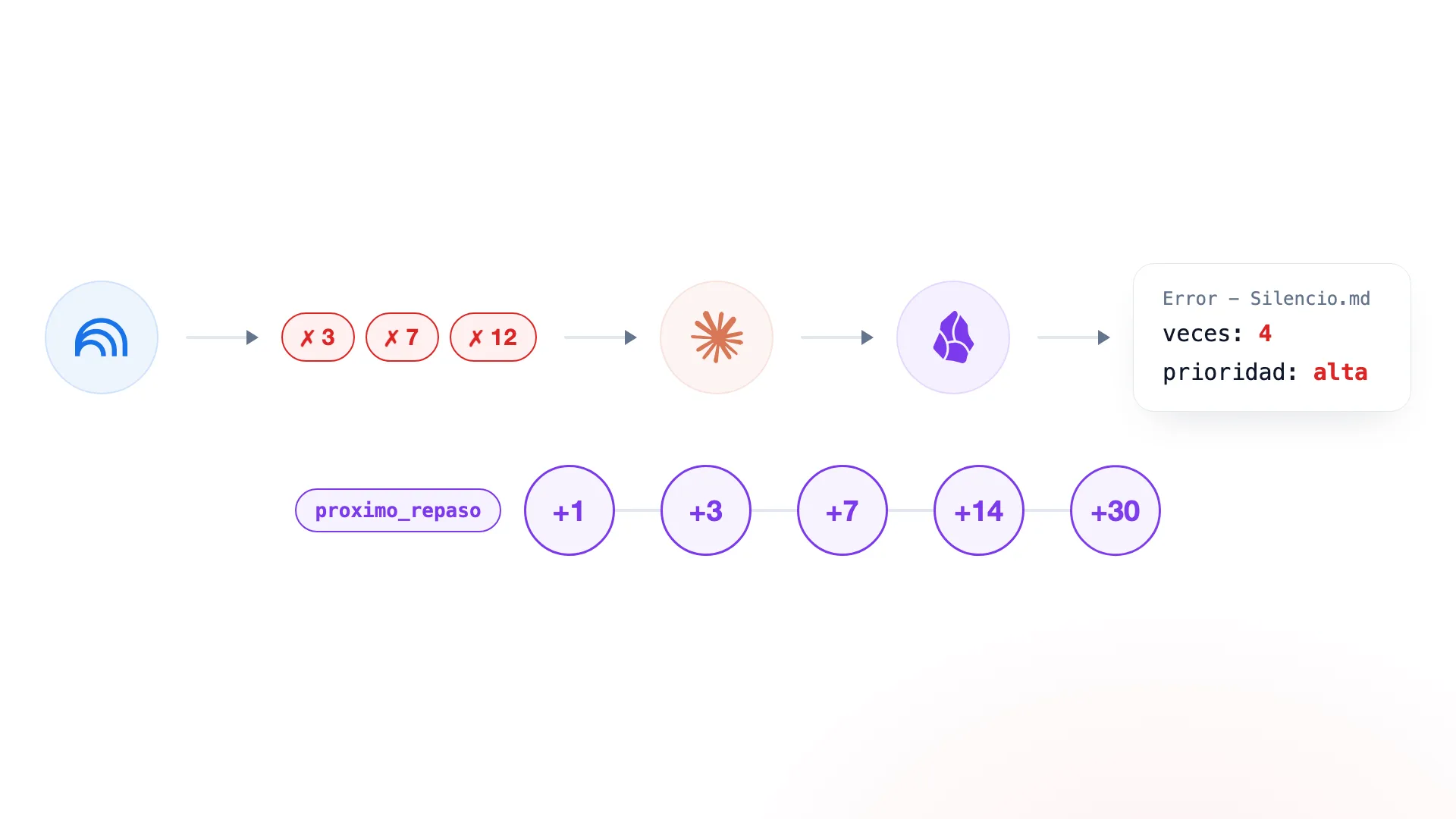
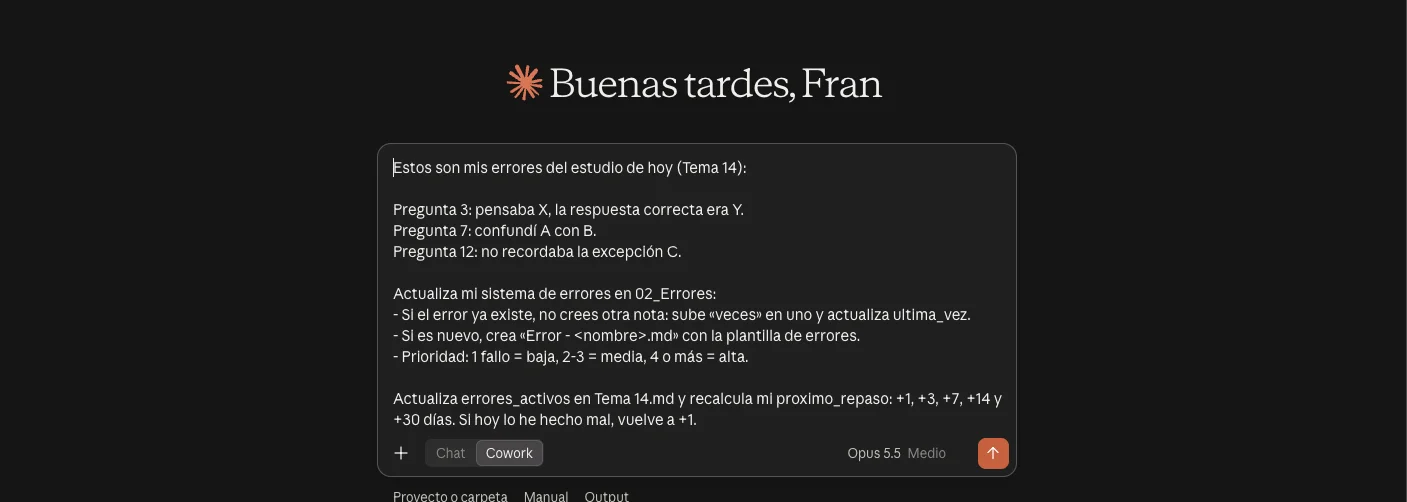
Each error is a note in 02_Errores. If you repeat one, Claude does not create another note: it raises the counter and the priority.
---
tipo: error
tema: Tema 07
veces: 4
ultima_vez: 2026-09-24
prioridad: alta
estado: activo
---

# Positive and negative administrative silence

## Mi error
## Respuesta correcta
## Por qué me equivoco
## Regla mental
## Pregunta de comprobación
| Misses | Priority |
|---|---|
| 1 | baja |
| 2 or 3 | media |
| 4 or more | alta |
Reviews do not need a folder either. Each topic carries its proximo_repaso and Claude moves it: +1 day, +3, +7, +14 and +30. If a review goes badly, back to +1. If it goes well, stretch the next one.
8. The panel
00_PANEL.md is the note you will open most. Every morning you ask and Claude rewrites it with what is due.

# TODAY

## New topic
[[Tema 13]]

## Reviews
- [[Tema 04]]
- [[Tema 08]]

## Priority errors
- [[Error - Silencio administrativo]]
- [[Error - Plazos administrativos]]

## Status
12 / 40 topics studied · 4 mastered · 5 high-priority errors

## Today's work
1. Review Tema 04
2. Review Tema 08
3. Error: administrative silence
4. Study Tema 13
9. Mock exams
One or two a week, logged in 03_Simulacros. Their errors enter the system like the daily test ones.
---
fecha: 2026-09-27
nota: 7.4
aciertos: 74
fallos: 18
blancos: 8
---

## Errores detectados
- [[Error - Silencio administrativo]]
- [[Error - Plazos]]
- [[Error - Competencias]]
10. What not to do
- Analysing all 40 topics from the start.
- Hundreds of concept notes.
- Folders for «what I know» or for «reviews».
- Twenty properties per note.
- Dataview, automations or a scoring system on day one.
- Summaries of every topic before you have studied them.
Your routine is four actions. Give Claude the topic of the day. Claude updates Obsidian and gives you the script. Study and test yourself in NotebookLM. Paste your misses into Claude. The next day ask «what's due today?».