6 things so your AI-built website does not look AI-built
Design skills, components with a prompt, screenshots and HTML from other sites, ideas from ChatGPT, Motion and GSAP, and scroll-driven video. What I do so a website does not look templated.
The three prompts, ready to paste into your agent.
An AI-built website shows: the same cards, the same gradient, copy that fits any business. These six things fix it.
1. Install design skills
A skill is a guide the AI follows while it works. These five give it design judgement:
- taste-skill: layout, typography, spacing and motion with judgement. It audits what exists before redesigning.
- ui-ux-pro-max: a database of styles, palettes, font pairings and UX rules the agent looks up.
- impeccable: commands to audit, polish, animate or simplify an interface you already have.
- emil-design-eng: Emil Kowalski's judgement on animation and detail: what to animate, with which curve and how long.
- apple-design: the springs, gestures and materials from Apple's design talks, brought to CSS and JavaScript.
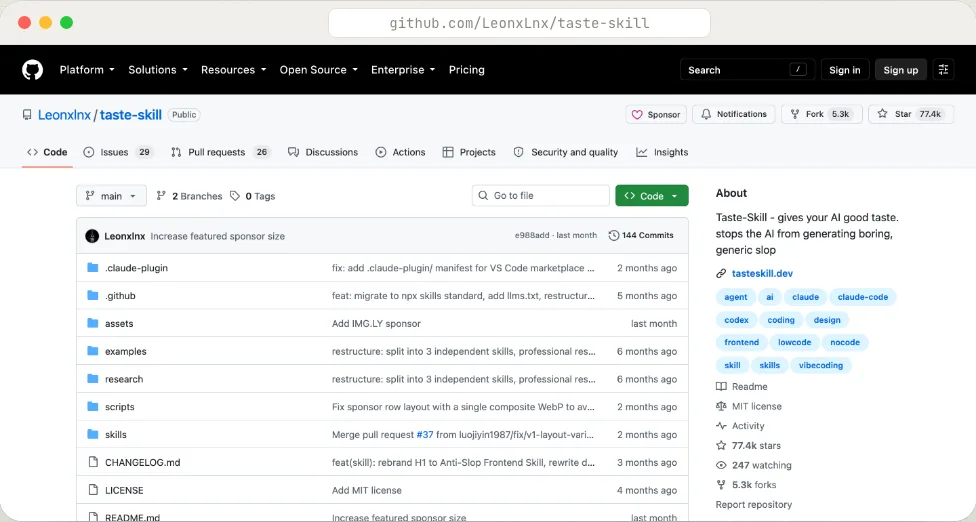
npx skills add https://github.com/Leonxlnx/taste-skill
npx skills add https://github.com/nextlevelbuilder/ui-ux-pro-max-skill --skill ui-ux-pro-max
npx skills add pbakaus/impeccable
npx skills add emilkowalski/skills --skill emil-design-eng
npx skills add emilkowalski/skills --skill apple-design
Installing them is not enough. They work with concrete references, audience and content, which is what comes next.
2. Copy components with their prompt
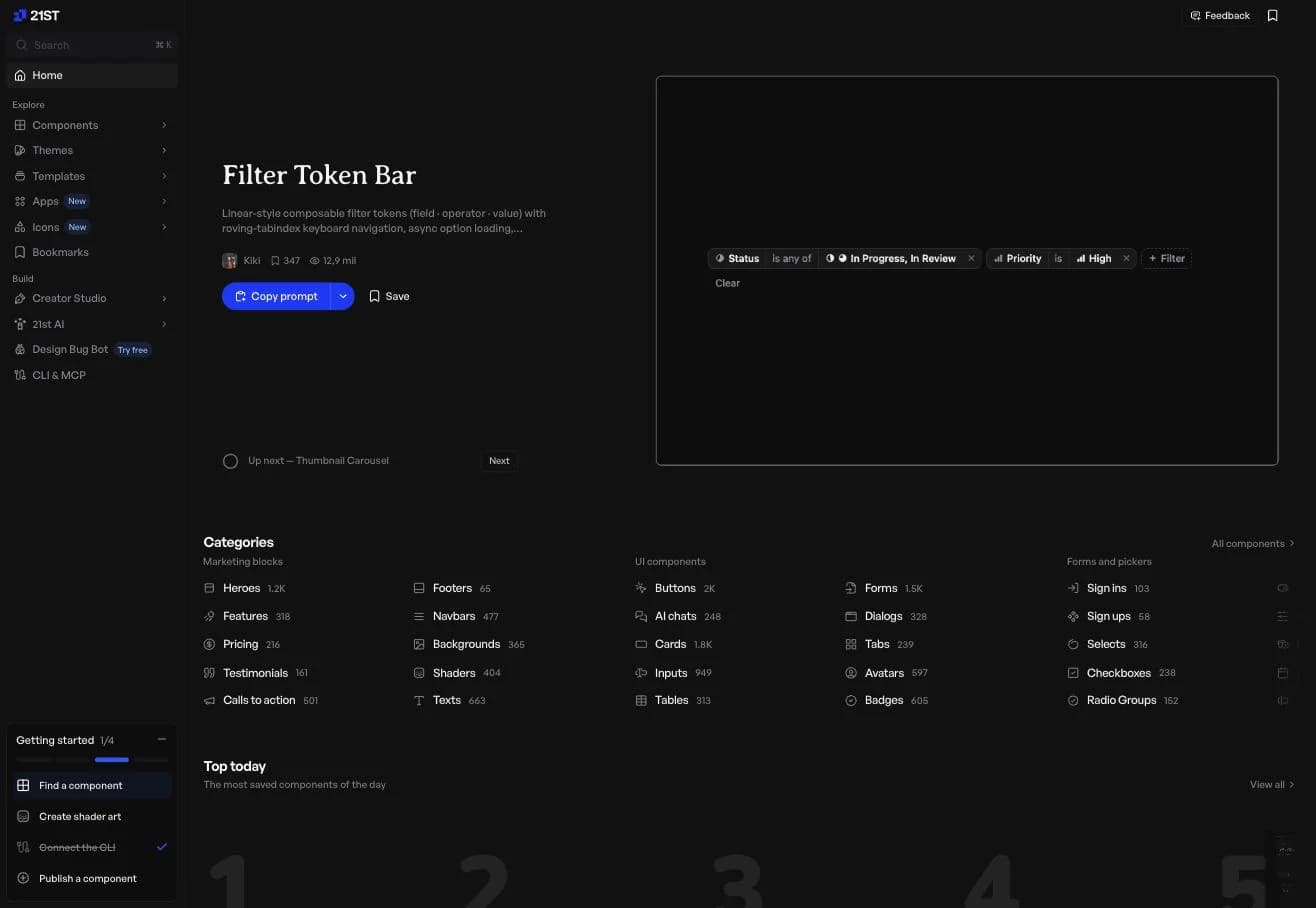
On 21st.dev every component has a «Copy prompt» button. Paste it into your agent and it adapts it to your site. Heroes, pricing, navbars, forms and backgrounds.
Alternatives that do the same:
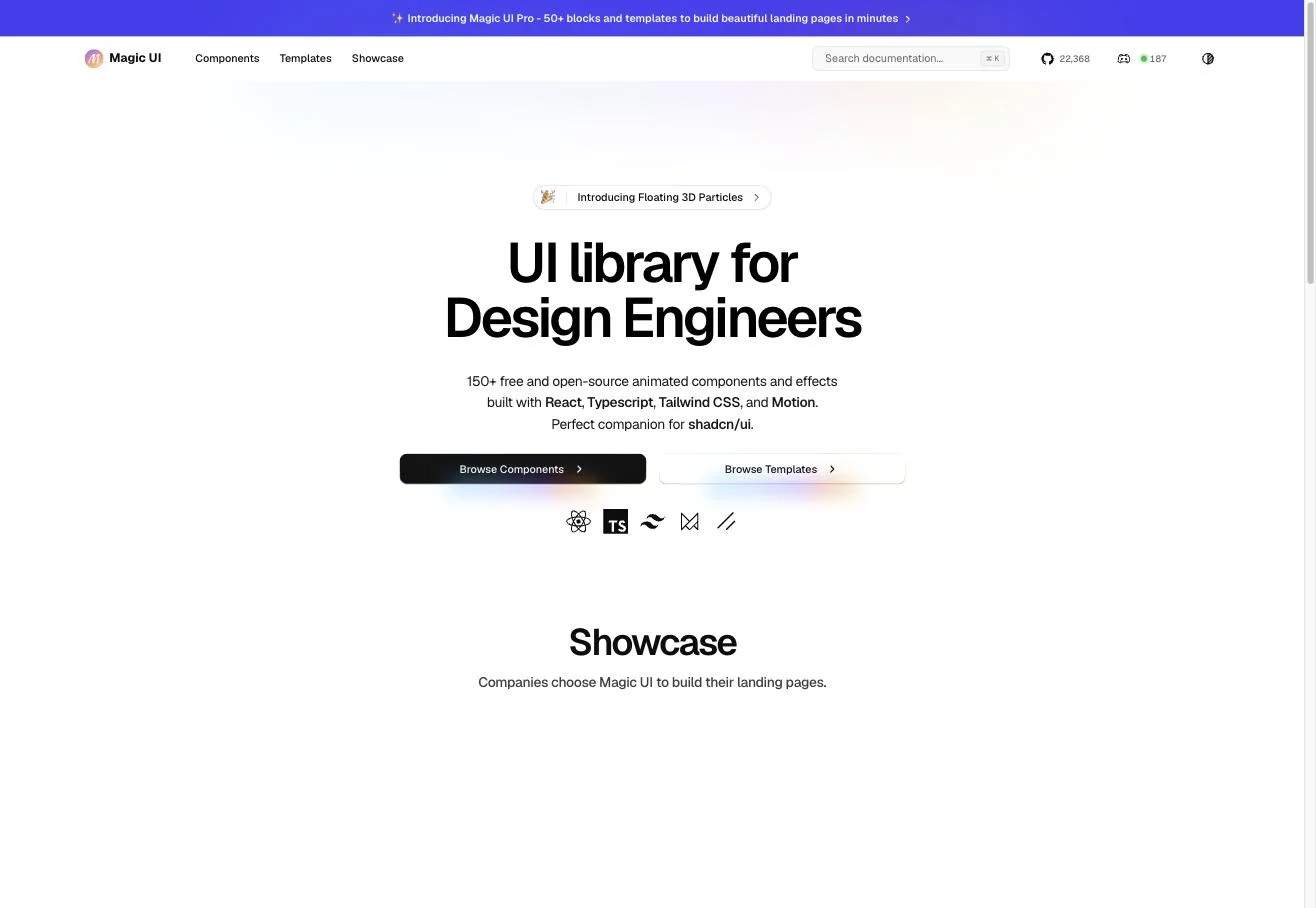
- Magic UI: 150+ animated components, free, built to go with shadcn/ui.
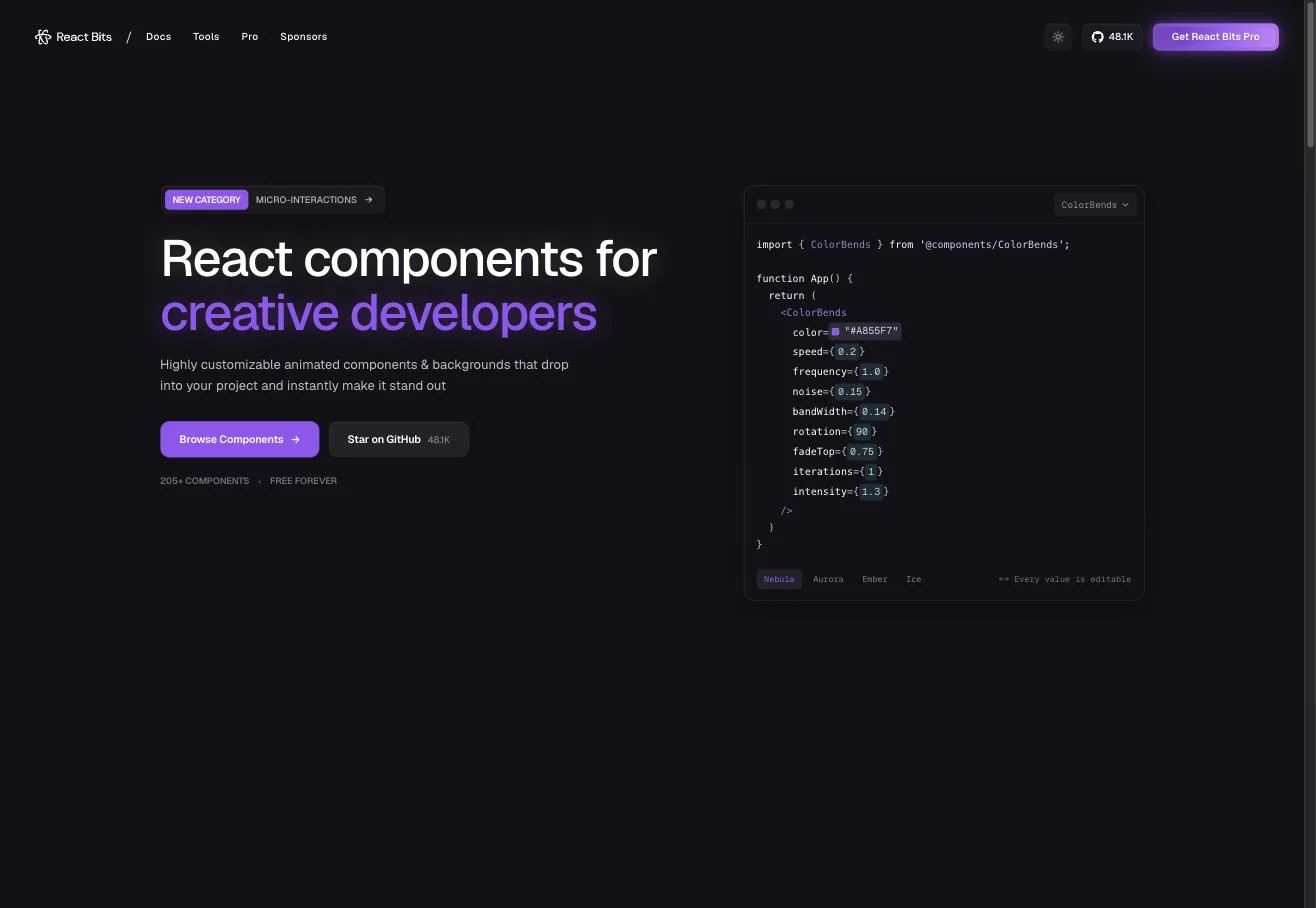
- React Bits: 200+ animated components and backgrounds, free.
- Aceternity UI: effects and sections in a style close to 21st.dev.
- shadcn/ui: the base. Buttons, forms, menus and dialogs you then adapt.
Adapt colours, type and spacing to your site. Five components in five styles is worse than none.
3. Screenshots and HTML from other sites
When you like a section on another site, do not describe it. Show it.
- Take a screenshot of the section.
- Save its HTML: Cmd+S in the browser, or copy the node from the developer tools.
- Give both to the agent with this prompt. You copy the layout and spacing, not the content or the brand.
4. Ask ChatGPT for ideas
Before coding, ask ChatGPT for three interface proposals as images. Tell it the audience, the content and the main button. Pick one and hand it to the agent as a reference together with the screenshots from the previous point.
5. Animate with Motion or GSAP
Motion goes from less to more. One tool for each job:
| What you want | What to use |
|---|---|
| A button that changes on hover | CSS |
| Entrances and state changes in React | Motion |
| One scroll-linked scene | GSAP + ScrollTrigger |
Start with quiet transitions and one hero animation. The site has to be readable without waiting for any effect to finish.
6. Scroll-driven AI video
A video that moves forward as you scroll down and back as you scroll up changes a website. This is how:
- Decide what the scene shows: a product turning, a screen opening.
- Prepare a good first frame and generate a short video with Kling, with a single continuous movement.
- Check the product does not change shape during the video.
- Give the file to the agent and ask for the video progress to be tied to scroll. «Play on appear» and «control with scroll» are different effects: ask for the second.
- Ask for a still image for phones and for people with reduced motion.
If it stutters, the file is the problem: optimise it or switch to an image sequence. Keep it for the first screen, not for a working dashboard.
The order to review: content, first screen, type and spacing, images and components, animations, mobile. On each pass, the three most visible problems.